


Photo by John Cardamone on Unsplash
7 min read
TL;DR When a smart lock becomes unresponsive, systematically isolate whether the failure stems from latch friction, drained power cells, or broken radio handshakes before calling a locksmith or forcing the door.
Few smart home failures evoke immediate vulnerability quite like standing on your own porch in late November while an electronic deadbolt refuses to turn. Whether your lock communicates via Wi-Fi, Z-Wave, or Matter over Thread, the device sitting on your front door is an awkward hybrid: a delicate embedded computer coupled to a mechanical latch that must resist physical brute force.
When that hybrid stops responding, the breakdown rarely happens at random. Most lock failures trace back to three specific pain points: seasonal door-frame warping that jams the bolt, completely depleted internal batteries that missed their low-power alerts, or a severed local radio route between your phone and the lock’s microcontroller.
If you are currently staring down a silent keypad or an endless loading wheel in your smart home app, run through this triage sequence to regain entry.
1. Diagnose the Failure: Silent, Humming, or Disconnected?
Before touching any tools, pay close attention to the sensory feedback your lock produces. The device’s acoustic and visual behavior immediately pinpoints which subsystem broke down.
- The lock is completely dead: No keypad illumination, no chime, and no motor sounds when you input a pin or trigger the latch in an app. This points directly to total power depletion or an unseated internal battery contact.
- The lock hums or clicks, but the bolt remains locked: The electronics and radio are operational, but the mechanical drive is stalling. As outdoor temperatures fall heading into winter, wooden door frames contract and settle. If a deadbolt does not line up perfectly with the strike plate, the micro-motor lacks the torque required to pull the bolt past the friction point.
- The keypad works, but the app reads “No Response”: The mechanical and power systems are fine, but the radio link or local border router failed.
If the motor is straining against the frame, try applying firm inward pressure on the door with your shoulder or knee while entering your PIN or turning the app latch. Relieving the lateral pressure on the bolt often gives the electric motor just enough clearance to slide home.

2. Emergency Power: The USB-C and 9V Jump-Start
The most common failure mode remains battery exhaustion. Modern locks attempt to mitigate this by broadcasting low-battery notifications for weeks, but battery chemistry degrades sharply in freezing temperatures, often causing an accelerated drop from 15 percent to complete blackout overnight.
Most hardware manufacturers anticipate this scenario by including an external emergency power terminal on the underside of the exterior housing:
- Locate the terminals: Inspect the bottom edge of the lock’s exterior escutcheon. You will typically find two exposed metallic prongs or an emergency USB-C port protected by a small rubber dust flap.
- Apply external power: If your lock features the traditional two-prong design (standard on models from brands like Yale and Ultraloq), hold a standard 9-volt alkaline battery firmly against the contacts. If your lock features a USB-C cutout, plug in a portable power bank.
- Trigger the unlock sequence: Maintain steady physical contact between the power source and the terminals. Within three to five seconds, the exterior circuit will draw enough temporary current to boot the keypad. Enter your master PIN while keeping the battery held in place.
Do not pull the battery away until the deadbolt completes its rotation. Once inside, replace the internal AA or proprietary lithium-ion pack immediately.
3. Physical Overrides and Hidden Keyways
If external power fails to revive the device, inspect the hardware for a concealed mechanical keyway. In an effort to maintain clean, minimalist industrial designs, several manufacturers hide standard mechanical cylinders behind magnetic or friction-fit faceplates.
On locks that feature a seemingly keyless exterior, check the bottom seam of the front plate for a small coin-slot or fingernail notch. Prying this decorative shield gently outward will frequently expose a standard physical lock cylinder, allowing entry with the physical backup key that originally came in the retail box.
Building secure physical entry systems requires understanding that digital controls never entirely supersede mechanical fundamentals, a balance frequently highlighted in cybersecurity analyses regarding the intersection of electronic access controls and physical perimeter security.
4. Troubleshooting Network and Radio Drops
If the lock functions manually at the door but your mobile platform reports an unresponsive status, the breakdown sits entirely within your smart home communication fabric.
| Failure Symptom | Probable Root Cause | Immediate Action |
|---|---|---|
| Complete blackout, no lights or chimes | Depleted batteries or loose harness connector | Apply 9V battery or power bank to exterior emergency contacts |
| Motor clicks/strains, door stays locked | Strike plate friction or warped door frame | Apply heavy inward shoulder pressure to door while unlocking |
| Keypad unlocks door, app shows offline | Thread mesh disconnect or Wi-Fi channel drop | Toggle phone Bluetooth; open lock vendor’s native local app |
| Master code fails, lock chimes rejection | Firmware lock-out or corrupted credential cache | Wait out 5-minute brute-force lockout window; re-enter PIN |
Smart locks using the Thread networking protocol through the universal Matter smart home specification communicate locally via low-power mesh radios rather than persistent Wi-Fi connections. If an Apple TV, HomePod, or dedicated smart hub acting as a Thread Border Router restarts or loses upstream access, the lock drops off the local fabric.
To bypass a frozen smart home bridge:
- Force a Bluetooth handshake: Turn off Wi-Fi on your smartphone and stand within three feet of the lock. Open the lock manufacturer’s proprietary companion app rather than your overarching smart home app (such as Apple Home or Google Home). Most locks maintain a localized Bluetooth Low Energy (BLE) fallback radio that directly binds to your phone without traversing your local home network.
- Power-cycle the nearest Border Router: If you have remote family members trying to unlock the door over the internet, restart your home’s central hubs. A stalled mesh router frequently leaves smart locks stranded in a disconnected state while the rest of your local network appears healthy.
As modern households increasingly deploy edge-computing devices and localized mesh systems covered extensively in future tech reporting, understanding how these local device-to-device handshakes operate becomes essential for home maintenance.
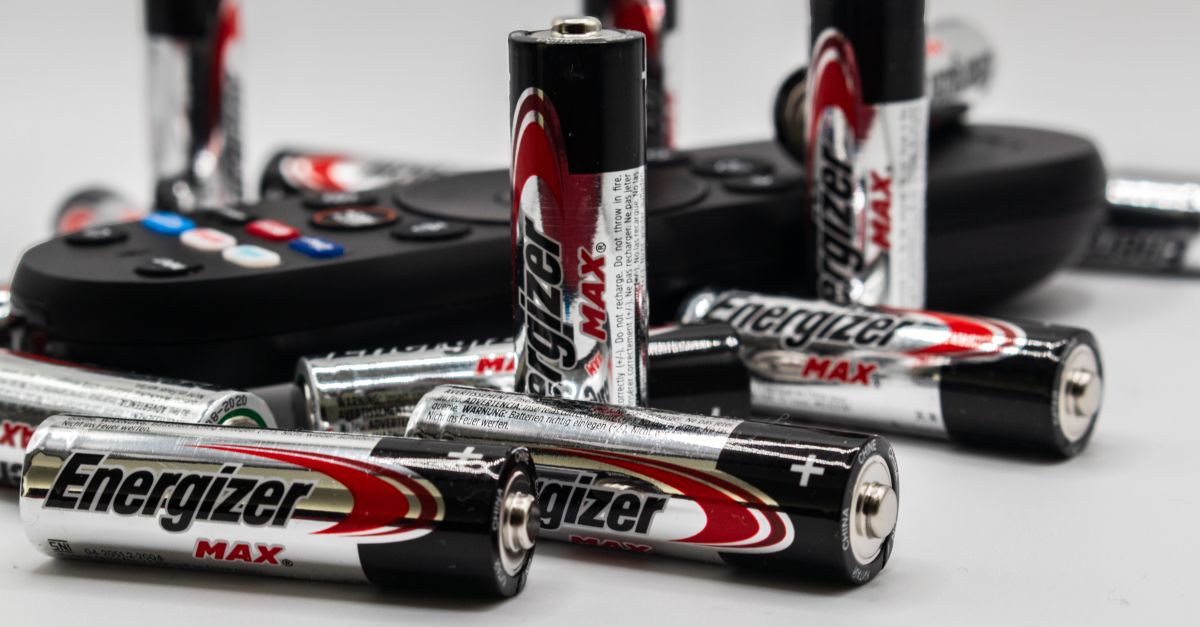 close up view of smart lock internal battery compartment and alkaline cells — Photo by Terrance Barksdale on Pexels
5. What to Do Once You Are Inside
Once you cross the threshold, do not simply replace the batteries and walk away. Unresponsive behavior tends to recur unless you address the underlying mechanical and software triggers.
First, check the door alignment. Extend the deadbolt while the door is open. If the bolt moves smoothly and quietly without catching, but struggles or grinds when the door is closed, your door latch is misaligned. You must adjust the strike plate on the door frame using a screwdriver and a metal file so that the bolt enters the pocket without grazing the edges. If an electric lock motor meets persistent resistance, it drains batteries three times faster and will eventually seize during extreme temperature fluctuations.
Second, audit your firmware updates. Smart lock vendors regularly push patches resolving Bluetooth stack crashes and Thread routing table bugs. IoT device vulnerabilities and operational guidelines maintained by the National Institute of Standards and Technology emphasize the importance of applying manufacturer patches to maintain reliable access control and prevent physical lockouts.
Smart locks offer undeniable convenience, eliminating pockets full of metal keys and streamlining household access. But convenience without an operational contingency plan is a recipe for an expensive locksmith invoice. Treat your electronic deadbolt as an appliance that requires deliberate seasonal alignment checks, regular battery swaps, and an easily accessible physical key stashed securely with a trusted neighbor or in an exterior lockbox.
Sources
Last updated
Newsroom
Reporting and analysis from the InnotechInsider editorial team, covering the technology shaping tomorrow.
Related stories
 Security
Intelligence Agencies Face Fallout After Breach of Core Contractor Systems
Public reporting reveals unauthorized intrusions into specialized federal contractors, exposing operational metadata across multiple U.S. intelligence entities.
 Security
When AI Leaks: Why Corporate Boardrooms Face Fresh Liability in 2026
Enterprise AI adoption has outpaced internal controls. Legal experts warn that courts and regulators now treat automated pipeline leaks as standard negligence.
 Security
Tampered Claude Code Plugin Targets Cursor Users as Anthropic Denies Breach
Anthropic pushed back against breach rumors Friday after a malicious extension masquerading as official Claude Code tooling hijacked developer API keys in Cursor.